
MJX mobile apps for Pathshala
Every MJX Android app that works with Pathshala — for parents, teachers, learners, staff, sales teams and libraries — and how to get each one.
In Pathshala, the website is where the office runs the institute, and the MJX apps put the daily part of that work on a phone. Parents follow their child, teachers take the register and give homework, learners study, and staff check in — each in an app made for them, all reading the same institute account.
#Which app is for whom?
| App | Who it is for | What it does | Guide |
|---|---|---|---|
| MJX Parent | Families of a school or coaching centre | Attendance, what was taught today, homework, notices, fees and pay, results and the report card | MJX Parent app |
| MJX Teacher | Teachers, the principal and office staff of a school or college | Today's periods, the register, homework, lesson plans, marks, results, notices, fees at the counter, check-in and leave | MJX Teacher app |
| MJX Learn | Learners and educators selling online courses | Courses, live classes, doubts and payments | MJX Learn |
| MJX CRM | Sales and admission teams | Leads, follow-ups, calls and WhatsApp | MJX CRM |
| MJX People | Staff of any organisation | Check in, leave, payslips and HR | MJX People |
| MJX Hire | Recruiters | Jobs, candidates and AI screening calls | MJX Hire |
| MJX Library | Self-study libraries and school libraries | Seats, shifts, fees and lending — scan a book, scan a card | MJX Library |
MJX also makes apps that are separate products and do not use your Pathshala account: MJX Rent (a landlord's rent register), MJX Vote (vote in an election with a code), MJX Events (passes, tickets and the gate) and MJX Dialer (an offline Android dialer).
#How to get an app
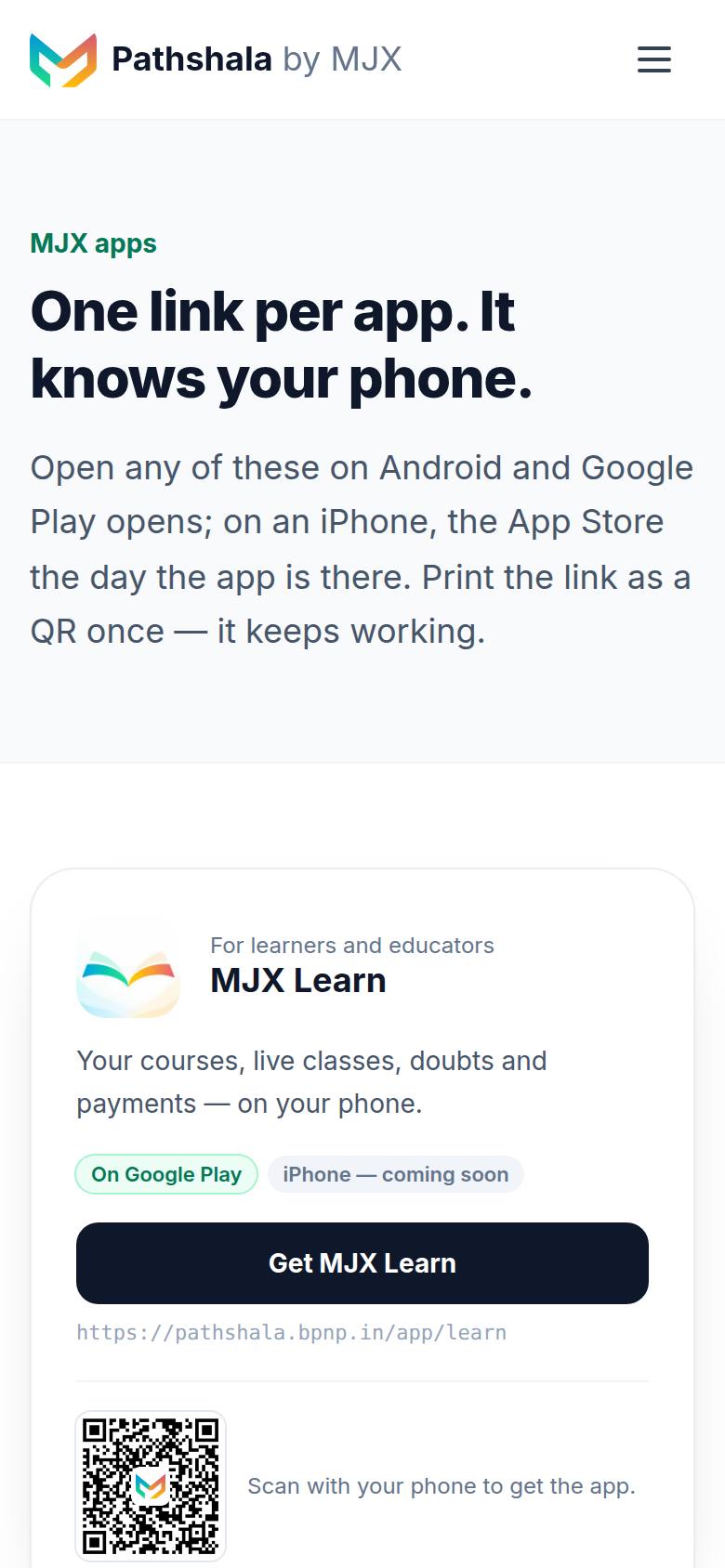
Every app has one fixed address: /app/ followed by the app's name. Open it on the phone, or scan its QR code, and it sends the phone to the app's Google Play page. It is safe to print this link or QR on a notice, a fee receipt or the school gate — it never changes.
| App | Get-the-app address | Android package |
|---|---|---|
| MJX Parent | ~/app/parent | com.mjxtechnologies.app.parent |
| MJX Teacher | ~/app/teacher | com.mjxtechnologies.app.teacher |
| MJX Learn | ~/app/learn | com.mjxtechnologies.app.lms |
| MJX CRM | ~/app/crm | com.mjxtechnologies.app.crm |
| MJX People | ~/app/people | com.mjxtechnologies.app.people |
| MJX Hire | ~/app/hire | com.mjxtechnologies.app.mjx_hiring |
| MJX Library | ~/app/library | com.mjxtechnologies.app.library |
All apps are listed together at ~/app.
#What do people need before they can sign in?
| App | What the office must do first | How the person signs in |
|---|---|---|
| MJX Parent | Save the parent's number in Primary Phone — WhatsApp on the child's record | School code → mobile number → code on WhatsApp |
| MJX Teacher | Add the person under People and give teachers their classes | Organisation code → mobile or email → code on WhatsApp and email (or a password) |
| MJX People | Add the person under People | Same as MJX Teacher |
#App or website — which should I use?
- The website is for setting things up: classes, subjects, the timetable, exams, fee structures, staff and settings. The apps never ask you to set these up on a phone.
- The apps are for the work done many times a day: marking a register, giving homework, entering marks, taking a fee at the counter, checking in.
- Both read the same data. A register taken in MJX Teacher shows on the website at once, and a notice published on the website shows in MJX Parent.
#Notifications and "Offers & news"
MJX Parent and MJX Teacher can show pop-up notifications on the phone. Each app also has an Offers & news page, where MJX (not your institute) posts offers and news. Your institute's own notices are on separate pages in each app.
#Need help?
WhatsApp or call MJX support on 7996837555, or email info@mjxtechnologies.com.
#Questions people ask
Is there one app for everything?
No. Each MJX app is made for one kind of person — a parent, a teacher, a learner, a staff member — so each one shows only what that person needs.
Do I need a separate account for each app?
No. Every app signs in to your institute's own Pathshala account. Staff apps use the organisation code and the person's mobile or email; the parent app uses the school code and the parent's phone.
Are the apps on iPhone?
The apps are built for Android and listed on Google Play. The get-the-app page shows an App Store button only when an iPhone version is published.
What is the organisation or school code?
It is the first part of your institute's Pathshala web address. If your address is sunrise.pathshala.mjxtechnologies.com, the code is sunrise.