
Recruitment agencies and agency terms
Invite recruitment agencies to MJX Hire, give them jobs, see masked resumes, request contacts, and publish the agency terms they accept online.
MJX Hire lets recruitment agencies send you people through their own private page. You choose which jobs each agency may fill. You see each resume with the contact details blacked out until the agency shares them, and every agency accepts your written terms before it can send anyone.
#How to add an agency
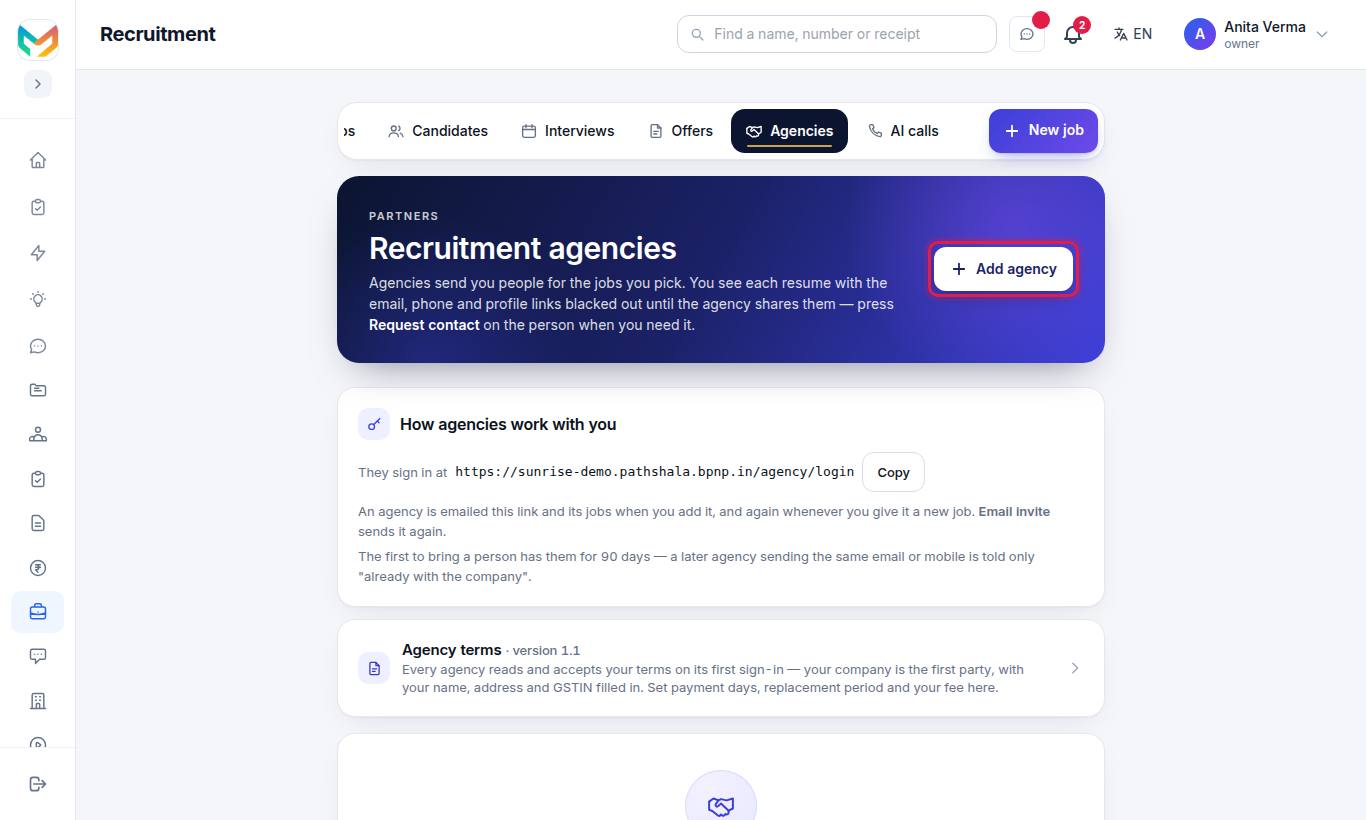
- Press Add agency.
- Fill Agency name (required), Contact person, Email (they sign in with it) (required) and Mobile.
- Under Fee / terms — your own note, the agency does not see it, write your private note (for example "8.33% of first-year CTC, 90-day replacement").
- Tick the Jobs they may send people for.
- Press Save.
If the email could not be sent, press Email invite, or give them the sign-in link shown under How agencies work with you: https://<your-address>/agency/login.
Each agency row shows whether it has accepted your terms ("✓ Terms accepted by …", "Accepted an older version …", or "Terms not accepted yet"), with View signed copy, Email invite and Edit. You can switch an agency off; a switched-off agency must be switched on again before you invite it.
#How agency candidates look to you
- The card on Candidates carries an Agency badge.
- On the candidate's page: "Sent by the agency (name). Their email, phone and profile links are hidden — and blacked out on the resume — until the agency shares them."
- Emails meant for them (interview invites, documents, the offer) go to the agency to pass on.
- An AI screening call cannot be made until the contact is shared.
#How to request the contact
- Open the candidate and press Request contact.
- The agency is emailed. The page says "You asked for the contact (date) — waiting for the agency."
- When the agency shares it, you see "The agency shared the contact (date)." and the full resume.
#Who owns a candidate?
The first agency to bring a person has them for 90 days. A later agency sending the same email or mobile is told only "already with the company" — nothing about who or when. If a person is already with you, the agency sees "This candidate is already with the company."
#Agency terms
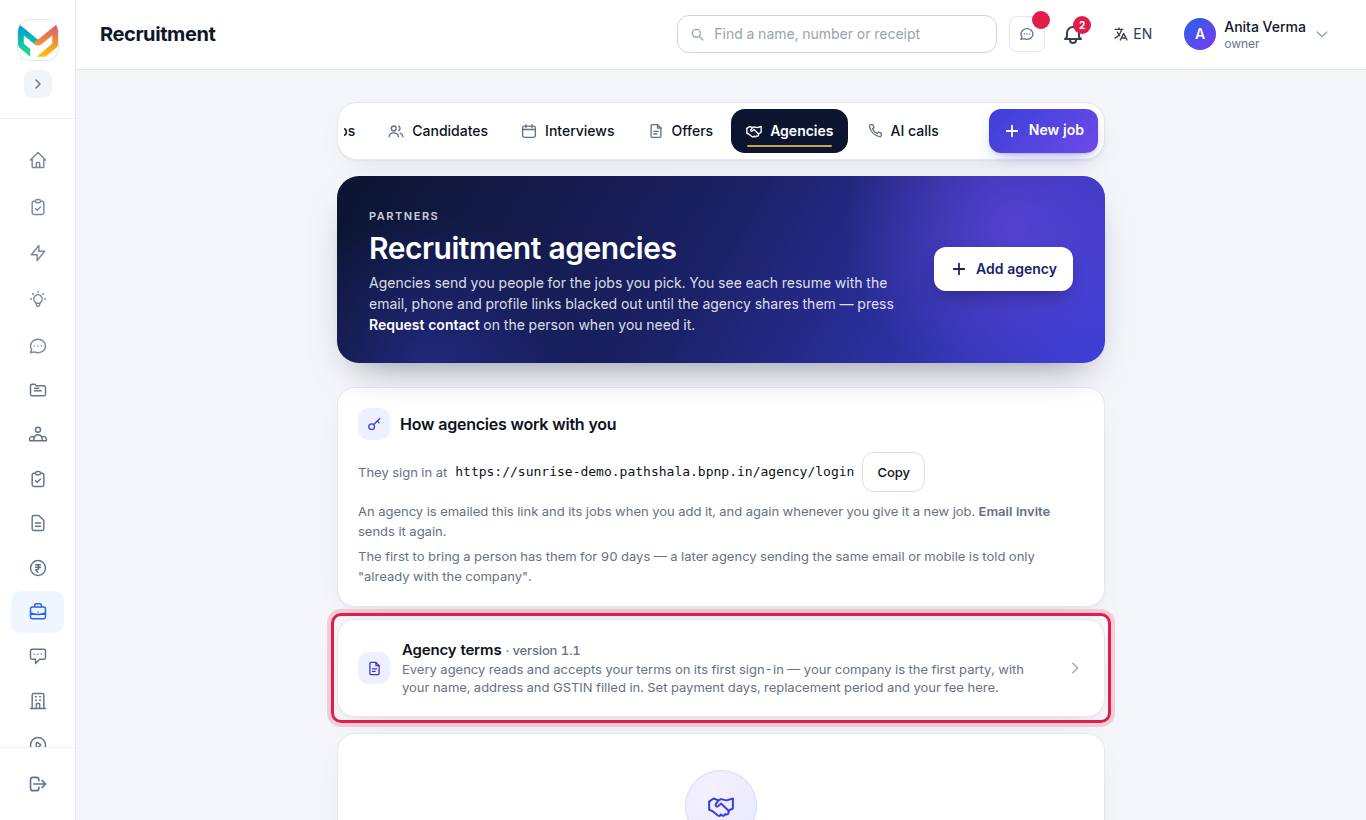
Every agency reads and accepts your terms on its first sign-in — your company is the first party, with your name, address and GSTIN filled in. MJX Hire gives you a careful standard agreement written for Indian law (the Contract Act, the IT Act and the Digital Personal Data Protection Act). It is not legal advice: have your lawyer read it before you rely on it.
#Your company's details
Your company — the first party is filled in by itself from Sidebar › Settings › Organisation › Organisation details › Address & info. The legal name and GSTIN come from your GST details when you have set them. If something is missing, the page says so with Add in Settings → Address & info.
#Your choices
| Setting | Default | Notes |
|---|---|---|
| Pay an invoice within (days) | 30 | Days to pay the agency's invoice. |
| Replacement period (days, 0 = none) | 90 | If the person leaves within this time, the agency replaces them free or refunds the fee. 0 to 365. |
| No poaching for (months, 0 = none) | 12 | Neither side takes the other's staff. |
| Standard fee for every agency | empty | Shown in the terms, e.g. "8.33% of the Candidate's Annual Fixed CTC". Leave empty for "as agreed in writing". |
| Courts at (city) | your city | Which courts handle disputes. |
| Your additional terms | empty | One per paragraph, e.g. "Interviews are held on weekdays only." |
#How to publish a change
- Change the settings.
- Press Publish changes.
The right side, What an agency reads, shows the agreement with a sample agency in the second party's place.
The agreement's sections are: Definitions; Nature of the relationship; Assigned Jobs and advertising; Sending Candidates; Duplicates and who owns a Candidate; Fees and payment; Replacement guarantee; Non-solicitation; Confidentiality; Personal data of Candidates; Fair hiring and conduct; The Agency Page; Liability and indemnity; Term, changes and ending; General; and your additional terms.
#What the agency sees
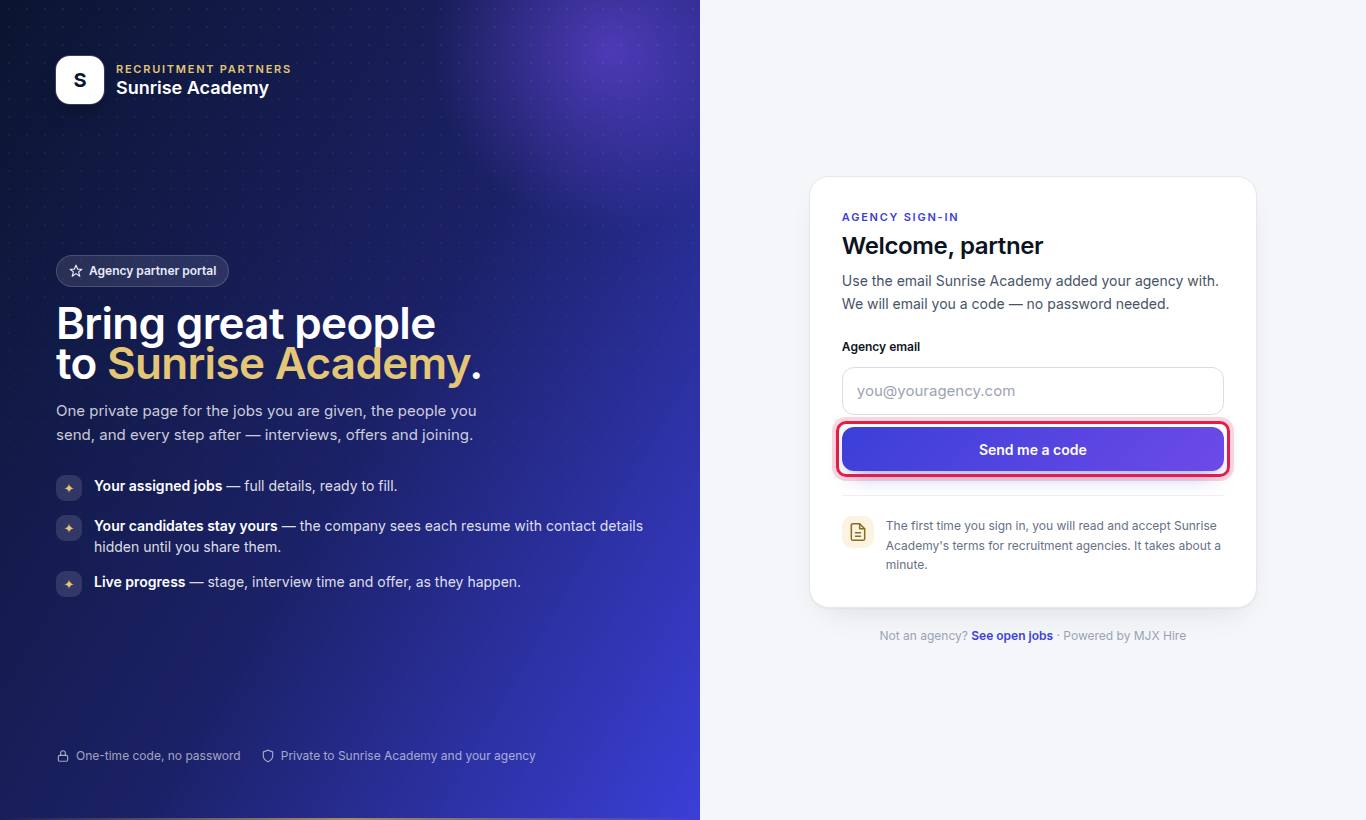
- The agency types its Agency email and presses Send me a code, then types The 6-digit code and presses Sign in.
- On the first sign-in it reads your terms, with an In short summary. The person accepting types Full name (required) and Designation, ticks the box, and presses Accept and continue. A copy is emailed to them. Pressing I do not accept signs them out.
- The Agency partner portal shows counts (Open jobs, Candidates sent, In interview, At offer, Joined) and the tabs Open jobs, My candidates and Contact asked.
- On a job, they press Send a candidate, fill the name, email or mobile, experience and pay, and attach the Resume (PDF only, up to 5 MB). Contact details are blacked out for the company. For a scanned resume they tick "This resume is a scanned picture. I have removed the email, phone and profile links from it myself."
- They follow each person's stage, interview time and offer under My candidates, and press Share contact when you ask.
#Who can use this?
- Plan: MJX Hire Basic and Pro ("Recruitment agencies"). On Forever Free the Agencies tab shows a lock.
- Roles: Owner, Admin (where roles were never set up) and the HR role manage agencies and terms.
#Questions people ask
Can I see the candidate's phone and email from an agency?
Not at first. Their email, phone and profile links are hidden, and blacked out on the resume, until the agency shares them. Press Request contact when you need them.
What if two agencies send the same person?
The first agency to bring a person has them for 90 days. A later agency sending the same email or mobile is told only "already with the company".
Do agencies have to accept my terms?
Yes. Every agency reads and accepts your terms on its first sign-in, before it sees a job. If you publish a change, they accept the new version before sending anyone else.
How does an agency sign in?
At your address followed by /agency/login, with the email you added them with. They get a one-time code by email — no password.
Which plan has agencies?
Recruitment agencies come with MJX Hire Basic and Pro.