
Pathshala developer docs — MJX CRM API, webhooks and MCP
Connect your own software, website or AI assistant to MJX CRM with the REST API, lead webhooks, signed event webhooks and the MCP server.
The Pathshala developer platform lets your own software work with MJX CRM: read and add leads (enquiries), be told the moment a lead arrives or changes, send website forms straight into the CRM, and let an AI assistant such as Claude or ChatGPT read your leads through MCP.
Everything here is about CRM leads. There is no public API for fees, attendance, courses or the mobile apps.
#What can you build?
#The four doors at a glance
| Door | Address | Credential | Plan |
|---|---|---|---|
| REST API | https://<your-code>.pathshala.mjxtechnologies.com/api/v1/crm/… | API key (mjx_live_…) | MJX CRM Pro |
| MCP server | https://<your-code>.pathshala.mjxtechnologies.com/mcp | The same API key | MJX CRM Pro |
| Outgoing webhooks | Your own https:// address | A signing secret (whsec_…) to check our calls | MJX CRM Pro |
| Lead sources (inbound) | …/hooks/lead/<token> and …/hooks/call/<token> | The token in the address | Website source: every plan. IndiaMART, JustDial, Meta, LinkedIn, Google Ads, missed call: Pro |
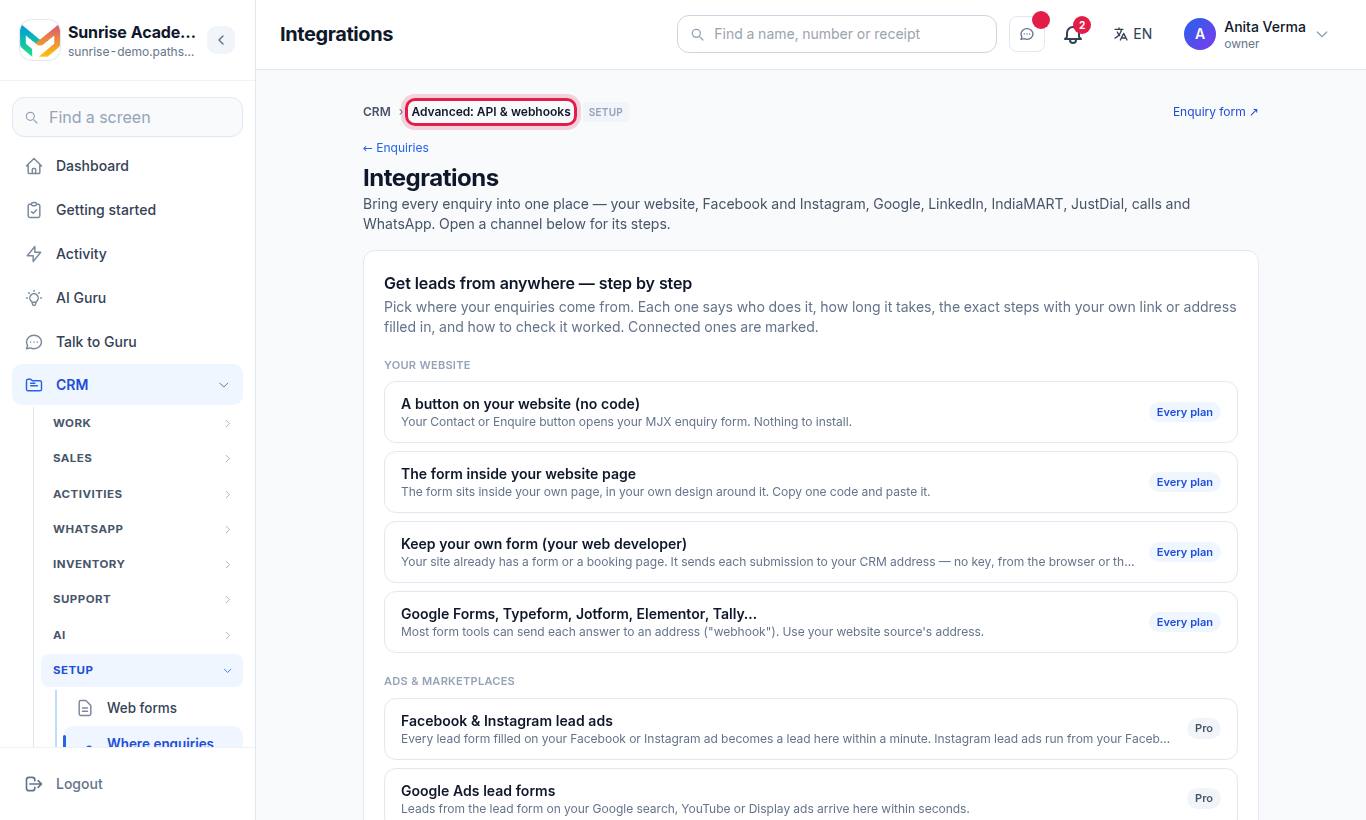
<your-code> is your institute's code. The exact base address is printed on your Integrations page under For your developer — copy it from there.
#How the pieces fit together
- The owner or an admin makes an API key on the Integrations page.
- Your server sends that key with every call to
/api/v1/crm. The key decides which institute you are talking to — nothing in the address or body can point it at another one. - To hear about new leads without asking, add a webhook. We
POSTa signed JSON body to your address when a lead is created or its status changes. - For a website form, you do not need a key at all: add a lead source of the kind "Any form or tool" and post the form to its address.
- For an AI assistant, point it at
/mcpwith the same key.
#Who can set this up?
| Task | Who |
|---|---|
| Make or revoke API keys, add webhooks | Owner or Admin |
| Add lead sources | Owner or Admin |
| Use the API | Any server holding a valid key |
| See the MCP page | Signed-in CRM users; making the key needs Owner or Admin |
#Versioning
The API is version 1, and the version is in the path (/api/v1/crm). We add new fields and new endpoints without changing the version, so your code should ignore fields it does not know. A change that removes or renames a field would come with a new version path. The MCP server reports mjx-crm version 1.0.0 and accepts the protocol versions 2025-11-25, 2025-06-18, 2025-03-26 and 2024-11-05.
#Support
Questions about the API: WhatsApp or call 7996837555, or email info@mjxtechnologies.com.
#Questions people ask
Does Pathshala have a public API?
Yes. MJX CRM has a REST API at /api/v1/crm on your institute's own address, an MCP server at /mcp, outgoing webhooks, and lead-capture addresses under /hooks/lead.
Which plan do I need for the API?
The REST API, outgoing webhooks and the MCP server come with MJX CRM Pro. A website lead source (/hooks/lead) works on every plan.
Is there an API for fees, attendance or the apps?
No. The public API covers MJX CRM leads only. The mobile apps use a private API that is not open to other software.
Will a lead I add through the API get a WhatsApp message?
No. A lead added through the API, the MCP server or a lead key gets no welcome message from MJX. Your own system has already spoken to that person.