
School transport — routes, stops and buses
Record bus routes, stops and timings, your vehicles and their papers, and which student takes which bus, in Pathshala.
The Transport screen keeps every route your institution runs, the stops on it, the times the bus is meant to be there, your buses and their papers, and which student takes which bus. In Pathshala the arrangement then shows on each student's profile.
#Where to find it
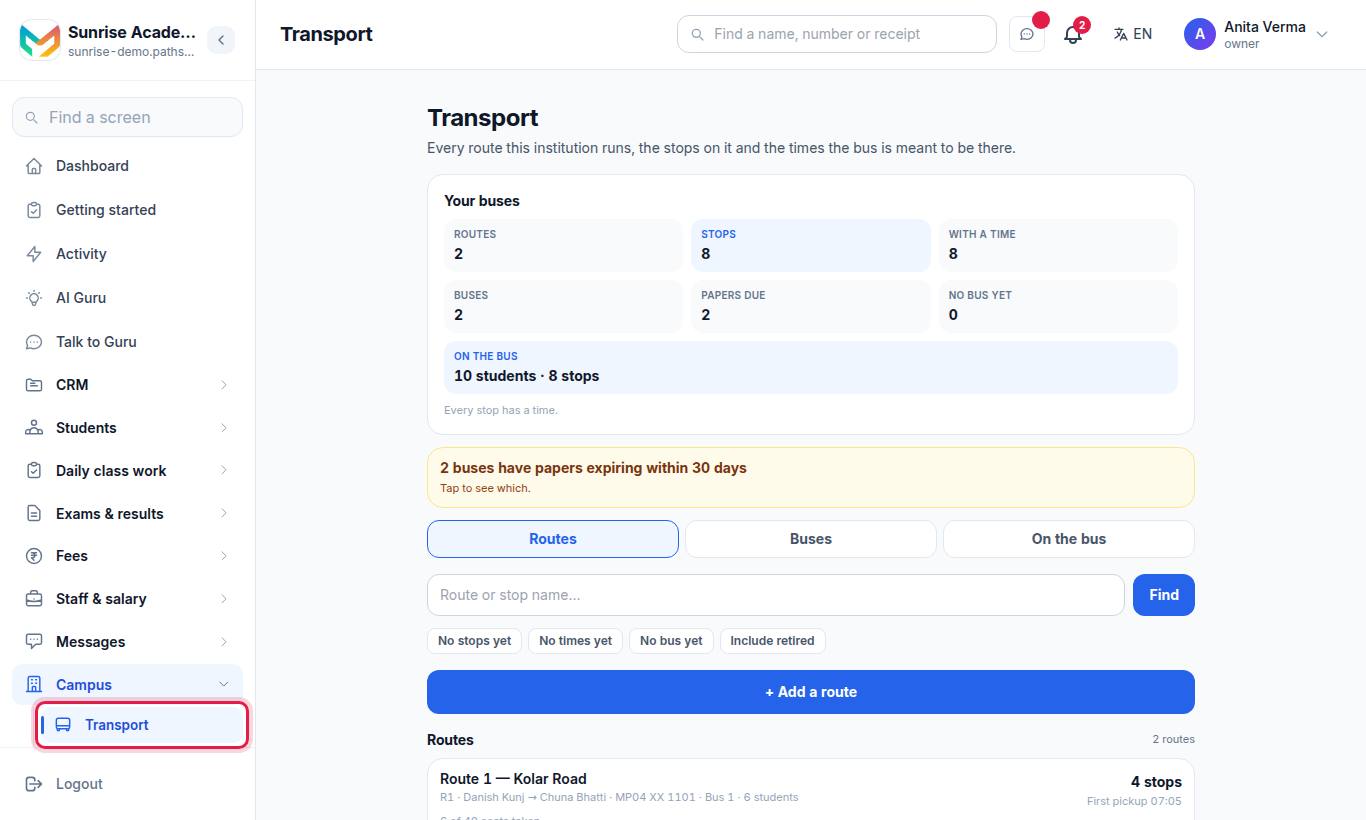
Transport is a module of its own. If you do not see it in the menu, ask MJX support to switch it on.
The page opens with counts — Routes, Stops, With a time, Buses, Papers due, No bus yet, On the bus — and three tabs: Routes, Buses and On the bus.
#How to add a route and its stops
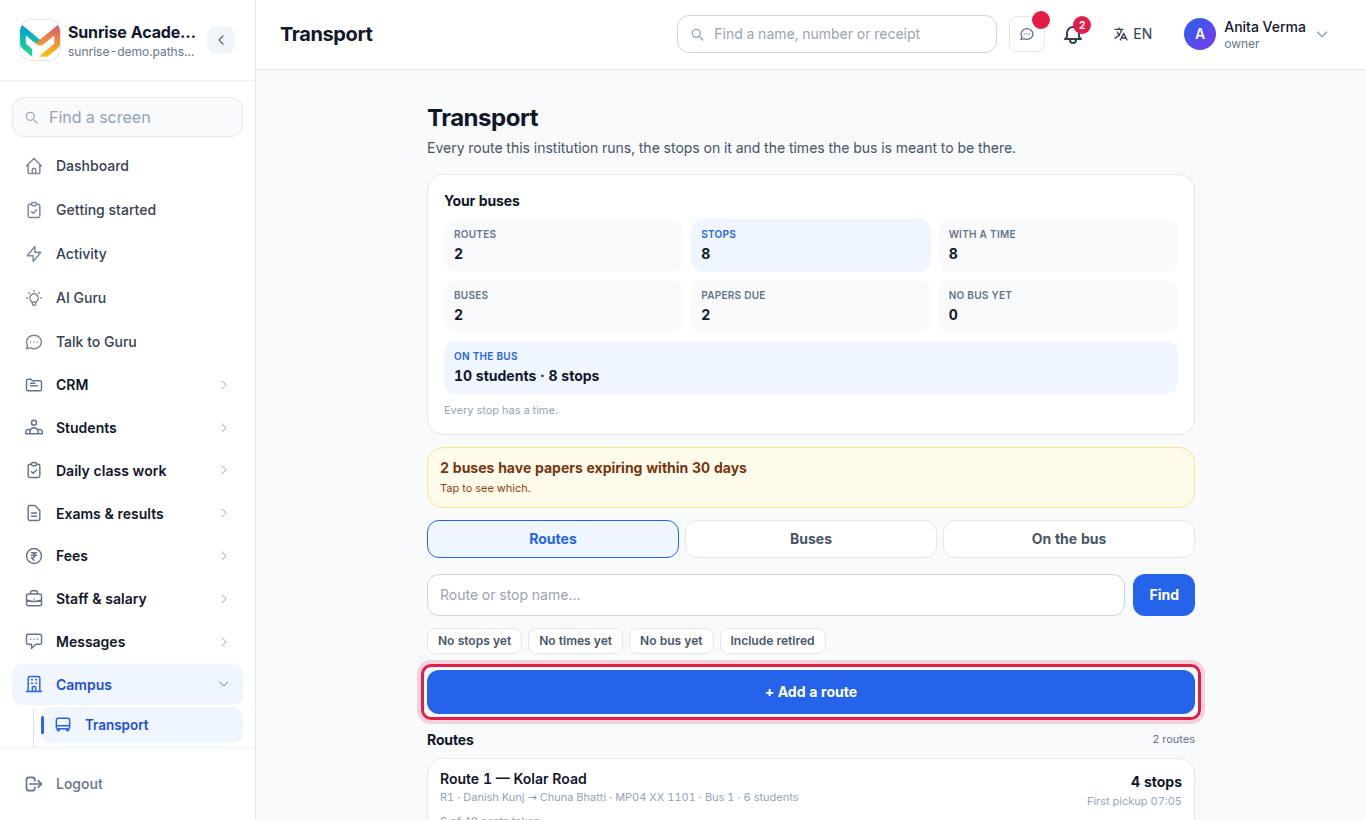
- Press + Add a route.
- Fill Name of the route (for example "Route 1 — Station Road") and an optional Short code (R1).
- Optionally type The stops, in order, one per line.
- Press Save.
- Open the route to add a time per stop, add more stops with + Add, put them in road order, and choose Which bus runs this route.
Tick Retired when a bus no longer runs a route; it stays on the record. Include retired shows them in the list.
#How to add a bus
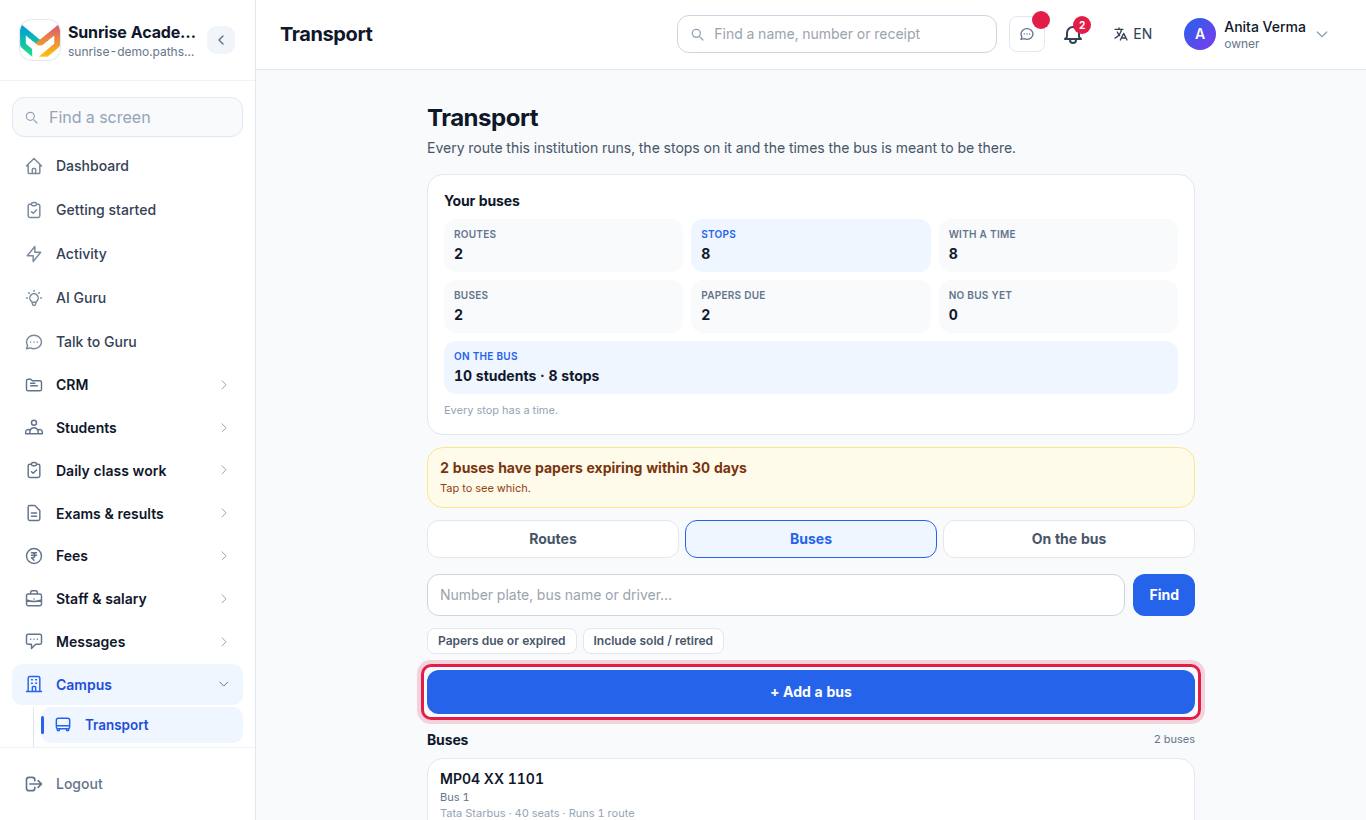
| Field | Notes |
|---|---|
| Registration number | Required. Spaces and dashes do not make it a different bus. |
| What you call it | For example "Bus 1" |
| Make and model, How many it seats | Optional |
| Sold or off the road | Keeps it on record but out of the picker |
| Who drives it | Driver's name, Number to ring, Licence number |
| The papers | Insurance, Fitness, Permit, PUC and Driver licence expiry dates |
| Notes | Anything worth remembering |
Press Save. A date you leave blank is not treated as expired — it is simply not recorded. Papers due or expired filters the list to the buses that need attention.
#How to put a student on the bus
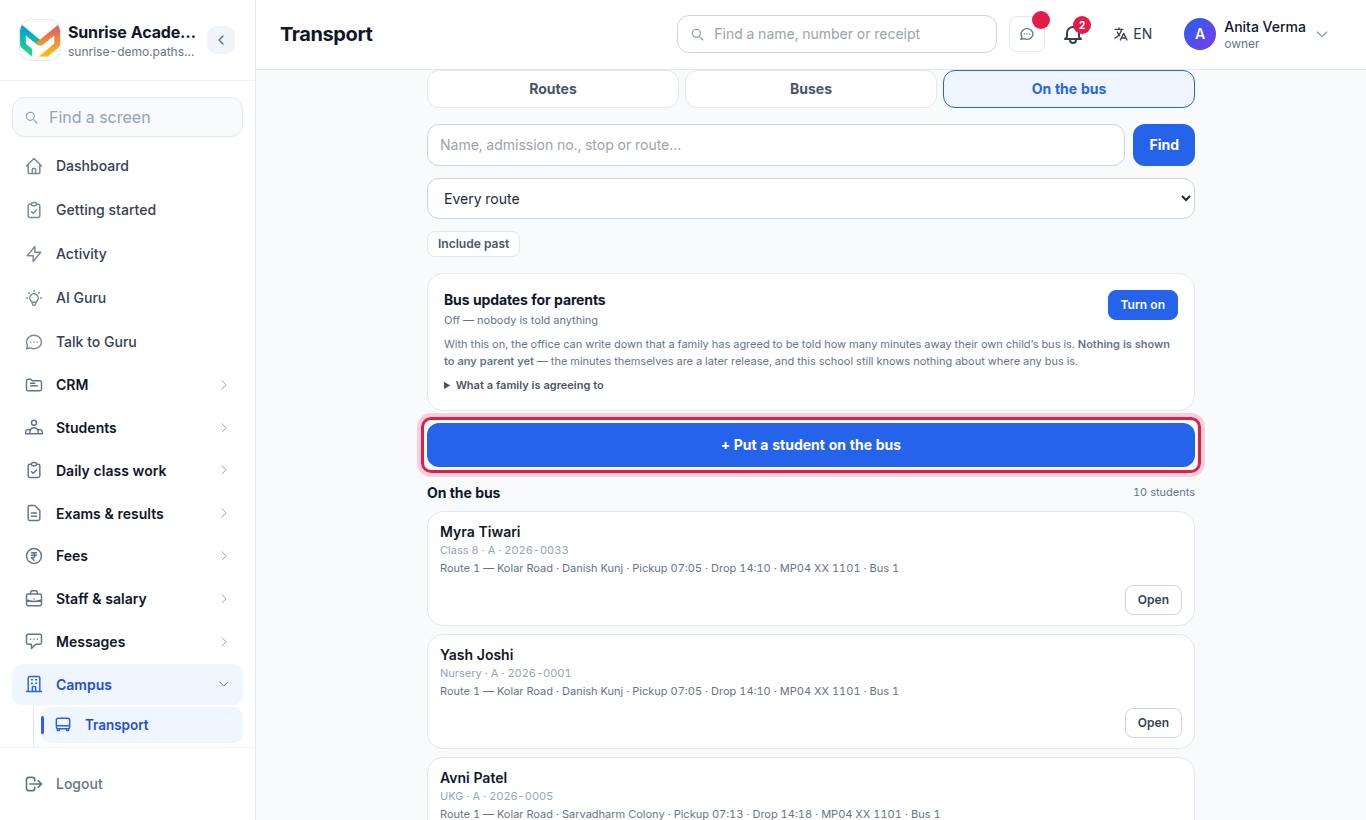
- Press + Put a student on the bus.
- Under Who takes the bus, type a name or admission number.
- Choose Which stop.
- Choose Which trips: Both ways, Morning pickup only or Afternoon drop only.
- Add Notes if useful (for example "Grandmother collects her on Fridays").
- Press Save.
Tick No longer takes the bus when they stop; the record stays and they can be put on a bus again later. Remove this record entirely deletes it.
#Bus updates for parents
A switch called Bus updates for parents lets the office record that a family has agreed to be told how many minutes away their child's bus is. Each student shows Permission recorded, Permission not recorded or Permission withdrawn.
#Who can do what?
| Action | Default roles |
|---|---|
| Look up routes, buses and riders | Everyone signed in |
| Add or change routes, stops, buses, riders, permissions | Owner, Admin |
| Turn bus updates for parents on or off | Owner |
#Tips
- Add every stop with a time before the first day of term; the front desk is asked "what time is the bus at my corner?" all week.
- Look at Papers due on the first of every month.
#Related
#Questions people ask
Does Pathshala track where the bus is?
No. Transport records what the school owns, the routes and the times the bus is meant to be at each stop. It is a timetable, not a tracker.
Is the bus fee charged here?
Not yet. Putting a student on a bus records the arrangement only. Bill transport through your fee heads.
Will I be warned before insurance or a permit expires?
Yes. Each vehicle's papers have expiry dates, and you are told 30 days before one lapses.
Where do a student's bus details show?
The student's bus route, stop, pick-up and drop times, vehicle and driver show on the student's profile page in Pathshala.
Who can change transport?
The Owner and Admins. Everyone else can look things up.