
Course refunds, GST invoices and your terms
Approve or decline refund requests, choose a tax invoice or plain receipt for learners, and publish your own Terms and Privacy in MJX Learn.
Three owner/admin pages in the MJX LMS sidebar deal with money and paperwork after the sale: Refunds, Invoices & GST and Terms & Privacy. In the MJX Learn app they are Money › Refund requests, Money › Invoices & GST and Institute › Terms & Privacy.
#Refunds
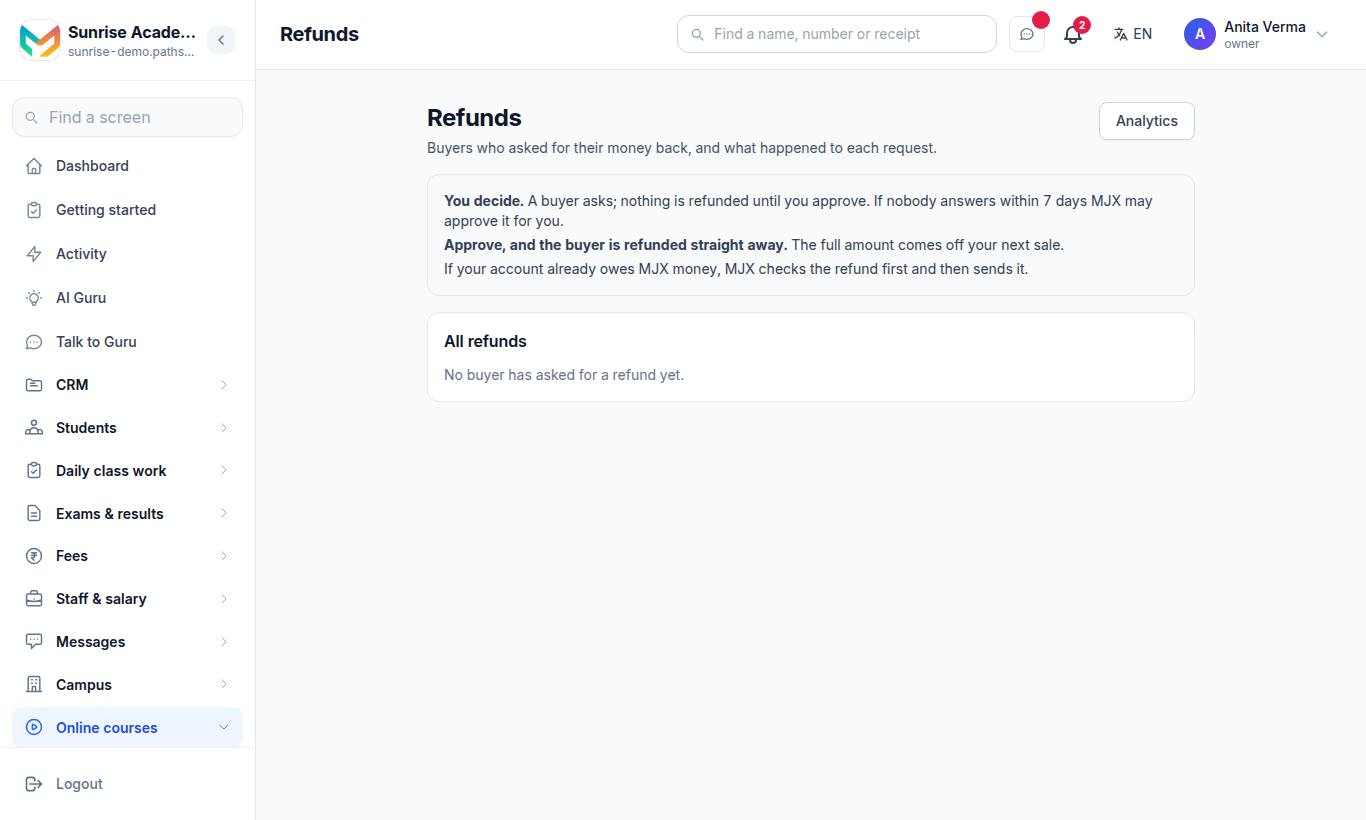
"Buyers who asked for their money back, and what happened to each request."
You decide. A buyer asks; nothing is refunded until you approve. If nobody answers within 7 days MJX may approve it for you. Approve, and the buyer is refunded straight away; the full amount comes off your next sale. If your account already owes MJX money, MJX checks the refund first and then sends it.
#How to answer a refund request
- Open Waiting for your answer. Each request shows the course, amount, buyer, how many days after buying they asked, how much of the course they opened ("…% of the course used") and their reason.
- Press Approve or Decline. When declining, give your reason — it is shown on the request.
- All refunds lists every request and where it is.
#When a learner can ask
On their course page the learner can request a refund. It is allowed only when all of these are true:
| Rule | What the learner is told if not |
|---|---|
| Within 15 days of buying | "A refund can be asked for within 15 days of buying the course." |
| Fewer than 2 topics watched, under 50% used | "This course has been watched too far for a refund." |
| Paid through MJX | "Payments for this course are taken by the institution directly, so a refund has to come from them. Please contact them." |
| A real payment | "This course was not bought through a payment we can refund. Please contact your institution." |
| No open request | "There is already a refund request on this course." |
When it goes through, the learner sees: "Your request has gone to the institution. They usually answer within a few days." A refunded learner loses access, and any downloaded videos are deleted from their phone.
#Invoices & GST
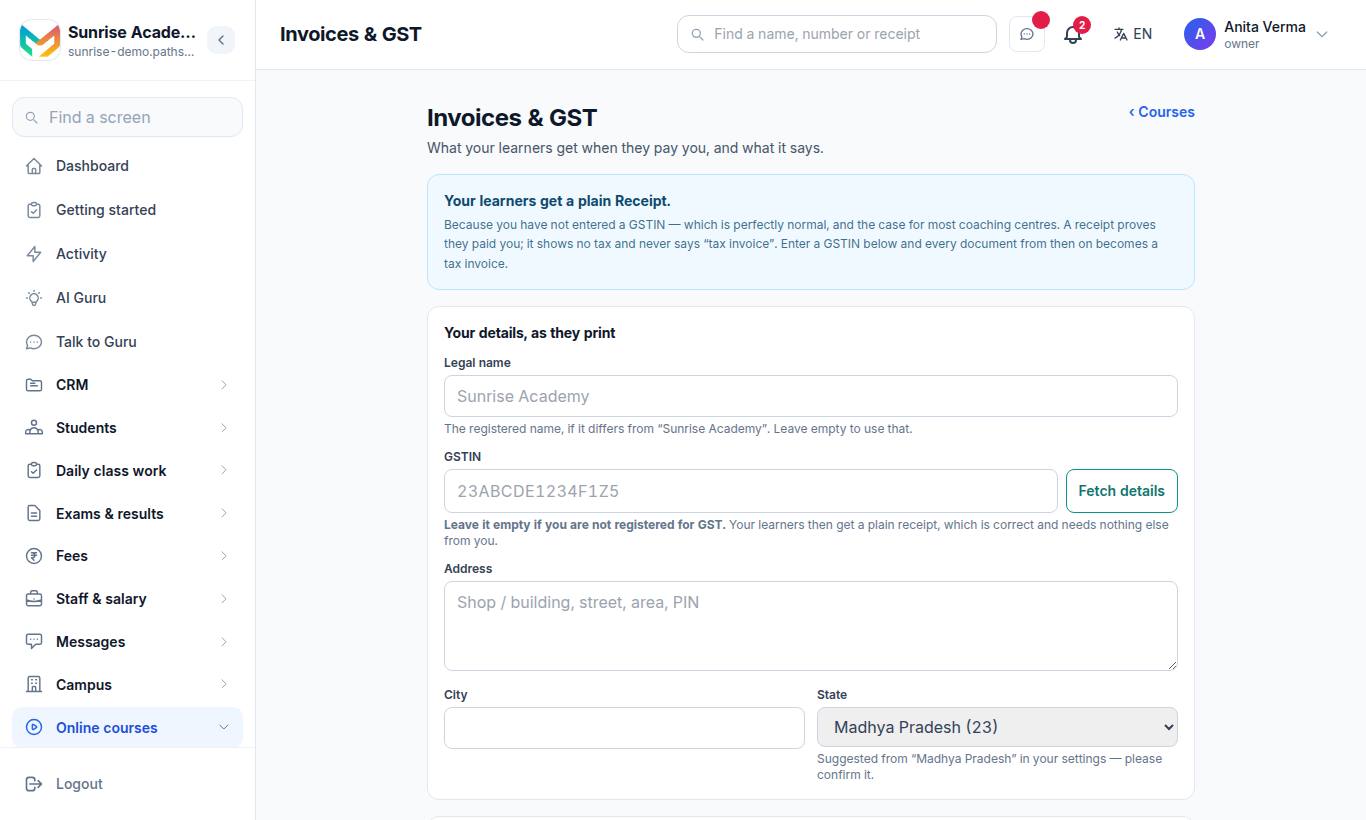
"What your learners get when they pay you, and what it says."
- With a GSTIN → "Your learners get a Tax Invoice." It shows your GSTIN, the tax split and a number from your own series.
- Without a GSTIN → "Your learners get a plain Receipt." It shows no tax and never says "tax invoice". This is normal for most coaching centres.
#How to set it up
- Your details, as they print — Legal name (leave empty to use your institute name), GSTIN (press Fetch details to fill them in), Address, City, State. The state decides CGST+SGST against IGST, so it has to be right.
- The tax — GST rate (%) ("Coaching is usually 18. Your CA decides."), SAC code ("999293 is commercial training and coaching. Ask your CA.") and My course prices already include GST.
- Your invoice numbers — a Prefix. You get one unbroken series per financial year; numbers are never reused and never skipped. The table shows Series, Year and Issued.
- Save.
You can download the documents issued as a CSV from this page.
#Terms & Privacy
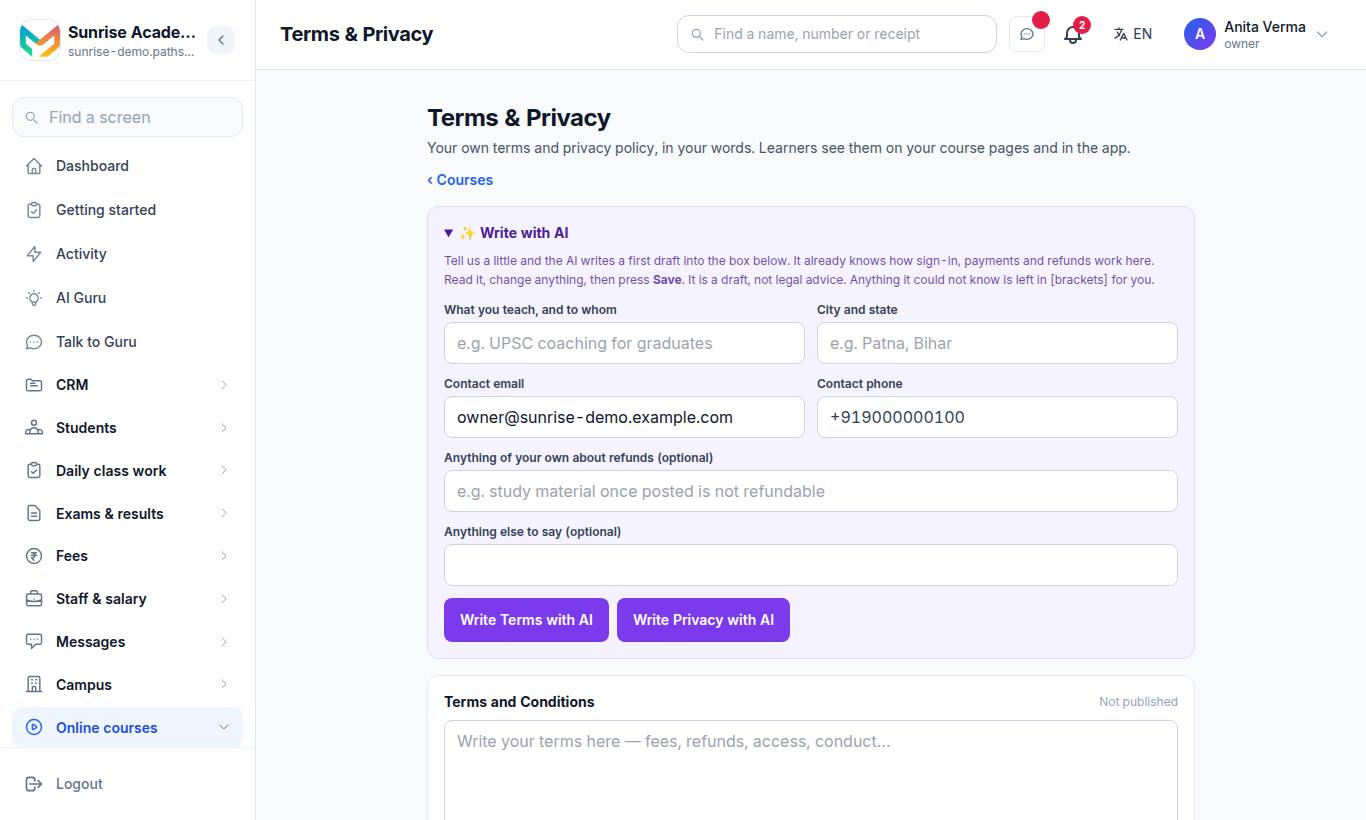
"Your own terms and privacy policy, in your words. Learners see them on your course pages and in the app."
#How to write them with AI
- Under ✨ Write with AI fill in What you teach, and to whom, City and state, Contact email, Contact phone, and optionally Anything of your own about refunds and Anything else to say.
- Press Write Terms with AI or Write Privacy with AI. It takes up to a minute.
- Read the draft in Terms and Conditions or Privacy Policy, change anything in [brackets].
- Press Save.
Each box links to View the public page ↗ once published (the pages are at ~/legal/terms and ~/legal/privacy on your address). Leave a box empty and save to take that page down. The AI draft is not legal advice.
The app's Terms & Privacy screen also holds Protect the videos — see Protect your videos.
#Who can use this?
| Who | Refunds | Invoices & GST | Terms & Privacy |
|---|---|---|---|
| Owner, Admin | Yes | Yes | Yes |
| Teacher | No | No | No |
| Plan | Every plan | Every plan | Every plan |
#Questions people ask
When can a learner ask for a refund?
Within 15 days of buying, while fewer than two topics have been watched and under half the course has been used, and only for a payment MJX collected. Otherwise the learner is told why not.
What if I do not answer a refund request?
The page warns that if nobody answers within 7 days, MJX may approve it for you.
Who bears the refund?
When you approve, the buyer is refunded straight away and the full amount comes off your next sale.
I am not registered for GST. What do learners get?
A plain receipt. It proves they paid you, shows no tax and never says "tax invoice". That is correct for most coaching centres.
Can AI write my terms and privacy policy?
Yes. Press "Write Terms with AI" or "Write Privacy with AI" for a first draft. It is a draft, not legal advice — read it and fill anything left in [brackets].