
Employee onboarding and exit checklists
A checklist for every joiner and every leaver — resignations from My HR, notice period, last working day, relieving letter and switching off the login.
Onboarding & exits gives you a checklist for everyone who joins and everyone who leaves, so nothing is forgotten — the ID card, the laptop, the relieving letter. Some lines are HR's and some are the employee's, which they tick on their own My HR.
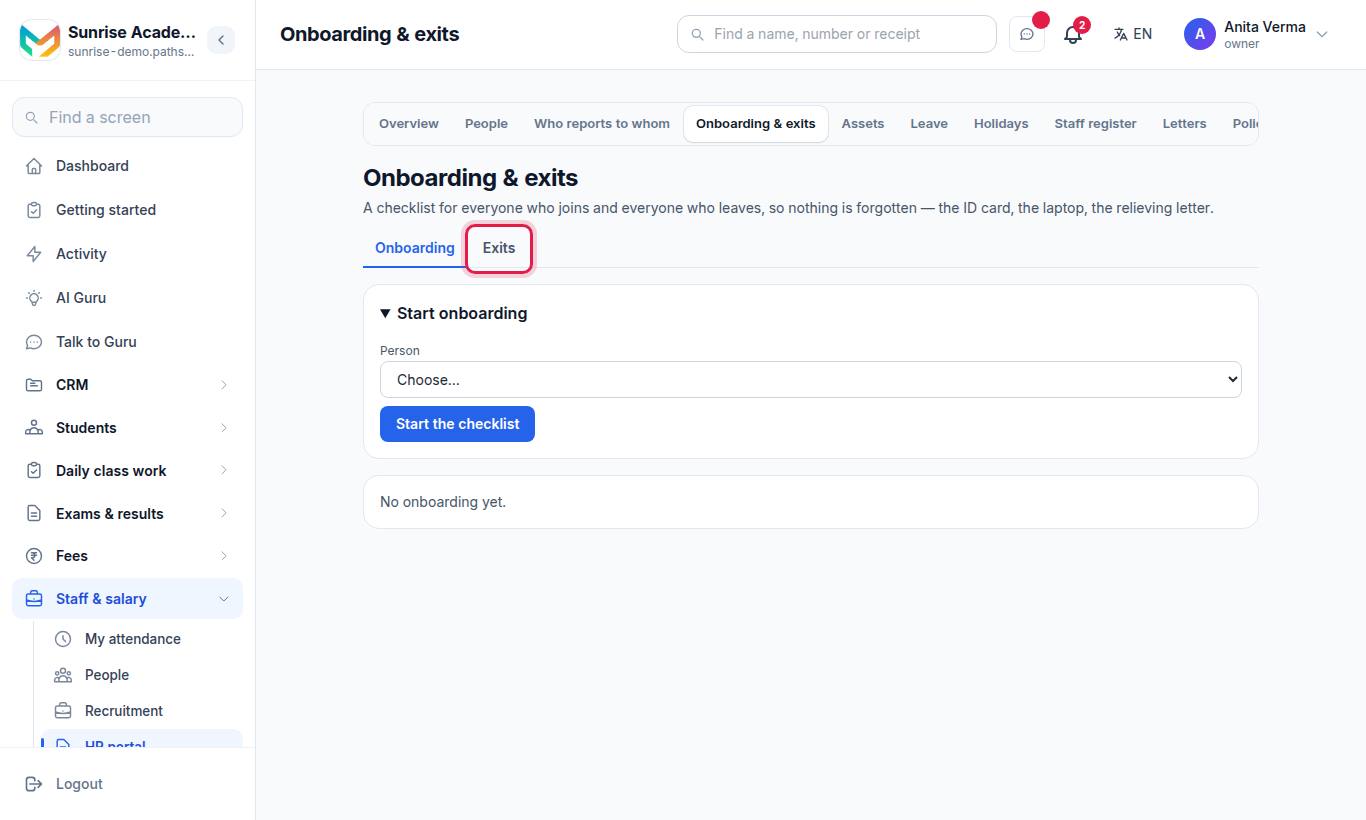
The page has two tabs: Onboarding and Exits.
#Steps to start onboarding
- Open the Onboarding tab. Joined recently, no onboarding yet lists new people — press Start beside one.
- Or open Start onboarding, choose the Person and press Start the checklist.
The ready-made onboarding lines:
| Line | Whose |
|---|---|
| Offer accepted and appointment letter issued (HR letters) | HR |
| Joining documents collected — PAN, Aadhaar, bank proof, photo, certificates | HR |
| Login made, and shown how to use My HR | HR |
| Salary structure set in Payroll | HR |
| Bank account, PF and ESI details recorded | HR |
| ID card issued | HR |
| Work things handed over (laptop, keys, books) — list them in the note | HR |
| Introduced to the team; first-day induction done | HR |
| Check my details on My HR and tell HR if anything is wrong | Employee |
| Read and agree to the organisation's policies (My HR) | Employee |
#Steps to start an exit
- Open the Exits tab and Start an exit.
- Choose the Person and Why they are leaving: Resigned · Employment ended by the organisation · Retired · Contract ended · Stopped coming without notice · Other.
- Fill in Resignation / notice date, Notice period (days) (for example 30) and Last working day — or leave the last day empty to have it worked out.
- Optional: Note (optional).
- Press Start the checklist.
Resignations sent from My HR appear first on the Exits tab. Open one and press Accept the resignation, then Save dates if you change them.
The ready-made exit lines:
| Line | Whose |
|---|---|
| Resignation accepted in writing and the last working day agreed | HR |
| Work handed over — to whom, in the note | HR |
| Organisation property returned (laptop, ID card, keys, books) | HR |
| Logins, email and passwords handed over or closed | HR |
| Dues cleared (advances, loans, anything owed either way) | HR |
| Full and final settlement worked out and paid through Payroll | HR |
| Relieving letter and experience certificate issued (HR letters) | HR |
| Exit conversation held | HR |
| Hand over my work and write down where things are | Employee |
| Return everything that belongs to the organisation | Employee |
#Working through a checklist
- Tick a line when it is done; press Note to add a note to it, or ✕ to remove it.
- Type a new line (for example Hand over the lab keys) and press Add.
- On an exit, Relieving letter and Experience certificate open HR letters with the right kind chosen.
- ⚠ Still has … of yours lists assets not yet returned — Take them back on Assets →.
- Press Switch off the login on or after the last working day.
- Press Mark it finished when everything is done.
#How an employee resigns
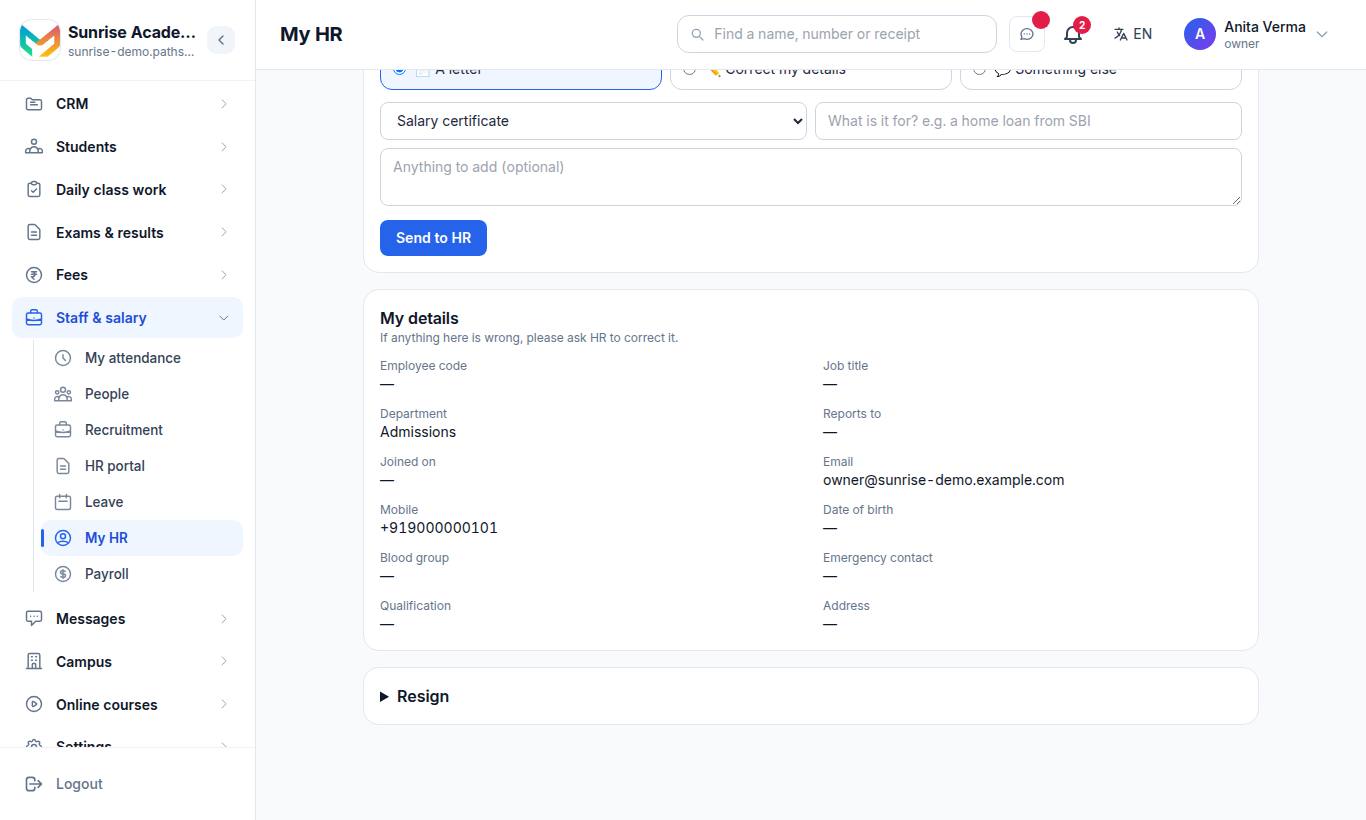
"This sends your resignation to HR today. HR accepts it and agrees your last working day with you, as per your notice period."
- Write Your resignation (a few lines).
- Optional: The last working day you are asking for (optional).
- Press Send my resignation and confirm.
#Who can use it?
Owner, Admin and the HR job run checklists; employees tick their own lines and resign from My HR. Onboarding & exits is MJX HR Pro.
#Questions people ask
How does an employee resign?
On My HR, in the Resign box. They write a few lines, optionally ask for a last working day, and press Send my resignation. HR is told at once.
How is the last working day worked out?
Leave it empty and it is worked out from the resignation / notice date and the notice period in days.
When can I switch off a leaver's login?
On or after their last working day. Everything they did stays on the record.
Will I know if a leaver still has a laptop?
Yes. With the assets register, the exit page warns "Still has … of yours" and links to Assets to take them back.
Which plan has onboarding and exits?
MJX HR Pro.