
Auto actions — CRM automation rules for enquiries
Make rules that assign new enquiries in turn, add tags, create tasks, send approved WhatsApp templates or start a sequence — by themselves.
Auto actions are rules that work by themselves when an enquiry (lead, for a business) comes in or moves to a step: share new enquiries with your team in turn, tag them, make tasks, send your approved WhatsApp templates, or put them on a sequence. They are part of MJX CRM Pro.
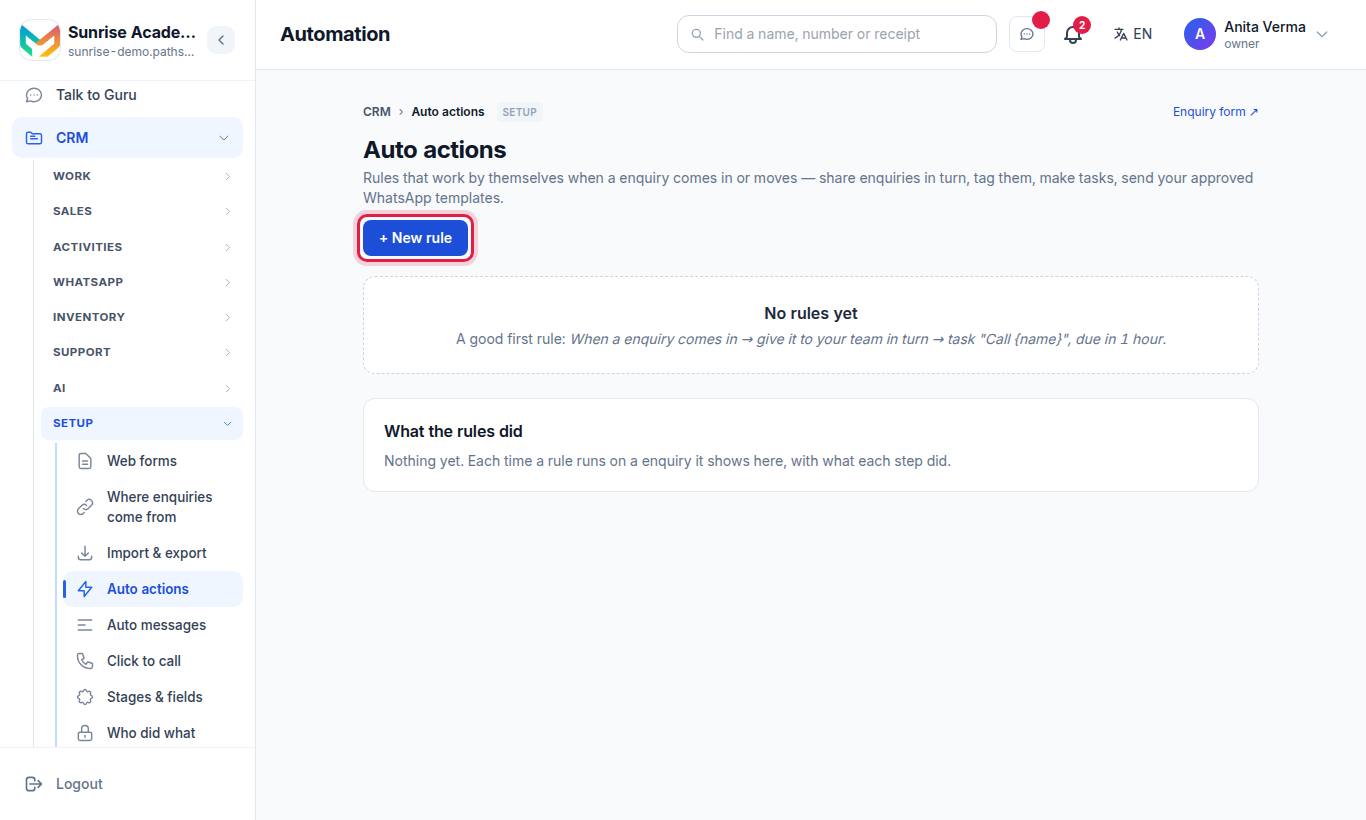
A good first rule: an enquiry comes in → give it to your team in turn → task "Call {name}", due in 1 hour.
#How a rule is built
| Part | Choices |
|---|---|
| When | When an enquiry comes in · When an enquiry moves to… a step (New, Talking, Call back, Admitted/Joined/Won, Not interested) or one of your own stages under a step |
| Only if (optional) | It came from: one or more sources (Website form, WhatsApp, Phone, Walk-in, API and your other sources) · Its details mention any of (commas between words): e.g. "NEET, JEE, Class 11" |
| Then | 👤 Give it to · 🏷️ Add tags · ✅ Make a task · 💬 Send a WhatsApp template · 📅 Put the enquiry on a sequence |
#The actions
| Action | Detail |
|---|---|
| 👤 Give it to | Tick one person, or several to share in turn (round-robin, up to 20 people). Only when nobody has the enquiry yet. |
| 🏷️ Add tags | Up to 10 tags, e.g. "NEET, Website" |
| ✅ Make a task | For whoever has the enquiry. A title (up to 200 characters; {name} becomes the person's name), a due time (No due time, 1, 2 or 4 hours, 1, 2, 3 or 7 days) and optional High priority |
| 💬 Send a WhatsApp template | One of your own templates, approved by Meta. Your website form already sends its own welcome — pick a template here for anything more. |
| 📅 Put the enquiry on a sequence | One of your active Auto messages sequences, or "Don't put it on one" |
#How to add a rule
- Sign in as the Owner or an Admin.
- Press + New rule.
- Give it a Name, e.g. "Share website leads".
- Under When, pick "comes in" or "moves to…" and the step.
- Under Only if, add sources or words — or leave them empty for every enquiry.
- Under Then, switch on one or more actions and fill them in.
- Press Save rule.
Each rule card has Edit, Switch off / Switch on, Delete ("Delete this rule? What it already did stays in the list below.") and up/down arrows to change the order.
#How rules run
| Rule | Detail |
|---|---|
| Order | Rules run from the top. The first rule that gives an enquiry to someone wins; a later one says it is already with that person. |
| Once per lead | A rule runs once for an enquiry — moving it back and forth does not repeat it |
| Imports | Imported spreadsheets never set off rules |
| No loops | No action changes a status, so no rule can set off another |
| Every door | Enquiries from your form, WhatsApp, lead sources, connectors and the API all set off "comes in" rules |
| Limits | Up to 30 rules |
#What the rules did
Under What the rules did, every run is listed with what each step did — done, skipped and why, or failed and why. A template that could not be sent says so, and the enquiry is not marked as messaged.
#Who can use it?
| Action | Who | Plan |
|---|---|---|
| Make, edit, order, switch off rules | Owner, Admin | CRM Pro |
| See the page | Owner, Admin | Any (on Basic it shows "🔒 Automation comes with MJX CRM Pro.") |
On a plan without Pro, "Your rules below are kept but are not running. You can still switch them off or delete them." Cards read "On — needs Pro".
#Tips
- Start with one assignment rule for all new enquiries, then add narrower rules (by source or words) above it.
- Use the Its details mention filter for exam or class words, e.g. "NEET" → tag NEET and give it to the NEET counsellor.
- Check What the rules did after the first few leads to see the rule behaves as you meant.
#Questions people ask
Does a rule run again if a lead moves back and forth?
No. A rule runs once for a lead. Moving it back and forth does not repeat it.
Do imported spreadsheets set off rules?
No. Imported enquiries never set off rules, so a 500-row import cannot send 500 WhatsApp messages.
Can a rule change a lead's status?
No. No action changes a status, so one rule can never set off another.
What happens to my rules if I leave CRM Pro?
They are kept but do not run. You can still switch them off or delete them.